
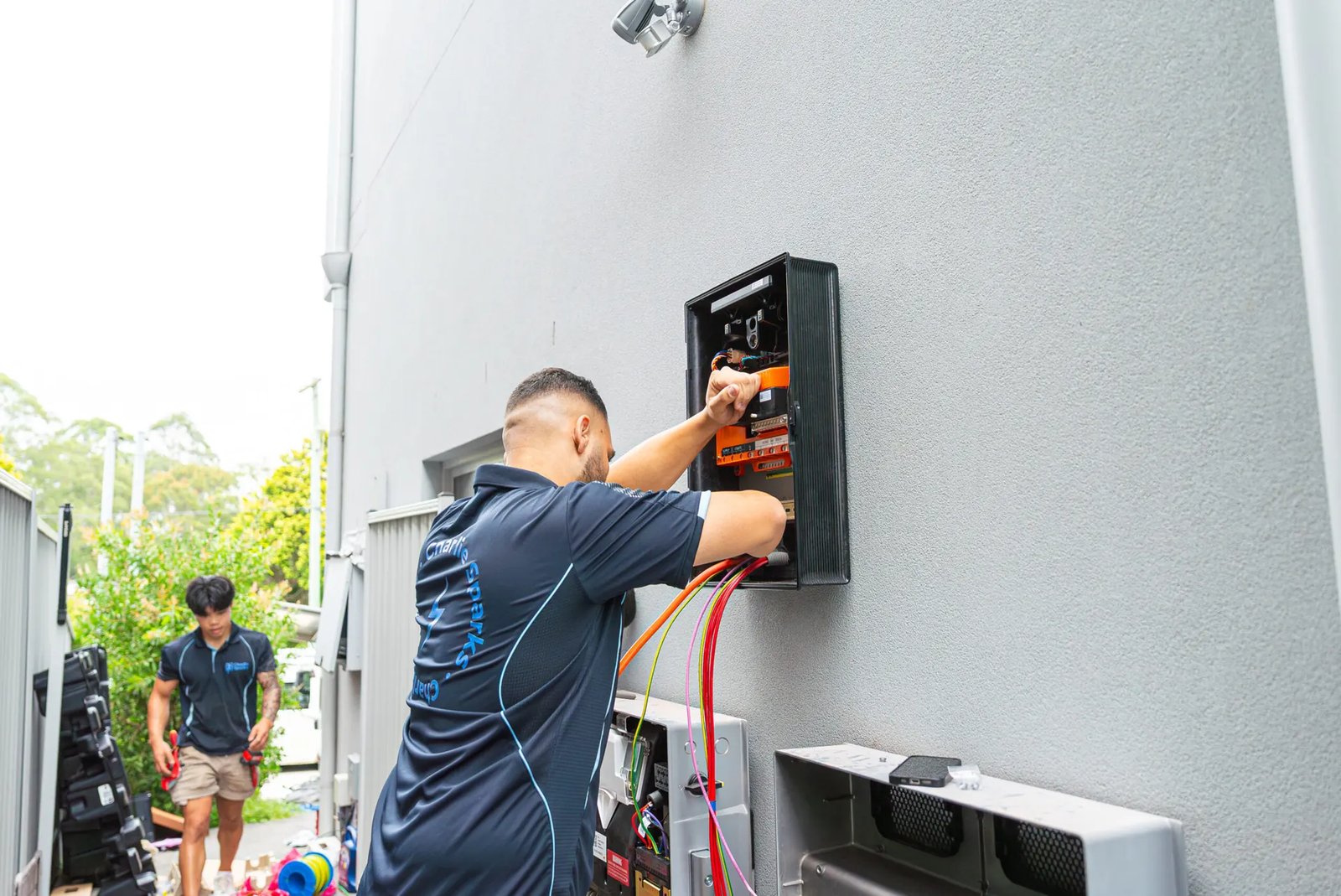
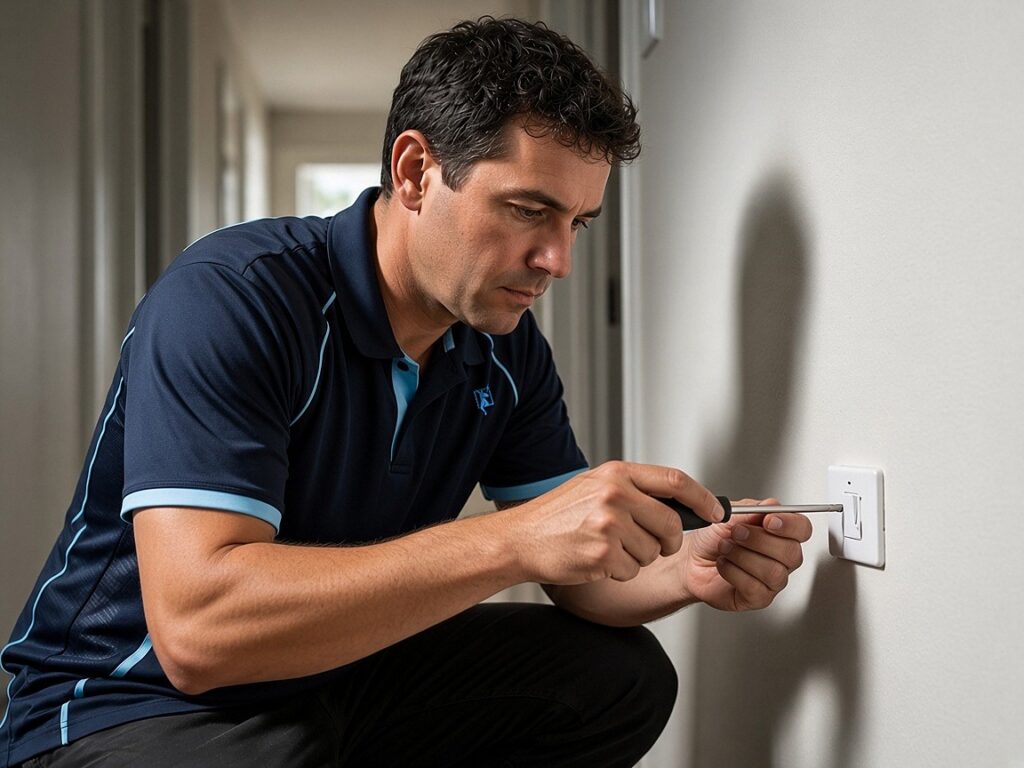
If several power points have stopped at once, the next place to look is your switchboard. Many homes have one or more safety switches, also called RCDs, that protect the power circuits. A safety switch is designed to cut power quickly when it detects a fault, which helps protect people from electric shock. Each circuit also has a circuit breaker that cuts power if the circuit is overloaded or has a short circuit.
A tripped breaker or safety switch will usually sit in a different position from the others, often pointing down or sitting in the middle. Safety switches usually have a test button and are often labelled.
If it is safe to do so, you can try one reset:
- Unplug the appliances on the affected power points
- Make sure your hands are dry and you are not standing in water
- Switch the tripped safety switch or circuit breaker back on
- Plug the appliances back in one at a time
If the switch trips again when you plug in one appliance, that appliance may be faulty. Leave it unplugged and have it checked or replaced.
Stop and call an electrician if:
- The safety switch or circuit breaker will not reset
- It trips again with nothing plugged in
- It keeps tripping often without a clear reason
- The switchboard is hot, damaged or smells of burning
Repeated tripping is a sign that something on the circuit needs attention. Do not hold a switch on or try to bypass it. If several circuits are affected or your switchboard is old, read do I need a new switchboard.
Common Causes and Warning Signs
When the appliance, the faceplate switch and the switchboard all check out, the fault is likely inside the power point or on the circuit. Common causes include:
- An overloaded circuit: too many high power appliances, such as heaters, kettles and air fryers, running on the same circuit
- Loose or worn terminals: connections inside the power point can work loose over time
- Old or damaged wiring: older homes may have worn insulation or wiring that has been damaged by heat or pests
- Moisture: power points in kitchens, bathrooms, laundries and outdoor areas can be affected by water or damp
- A worn power point: the internal parts can wear out after years of use, so plugs no longer make a firm contact
Some signs mean you should stop using the power point straight away and call an electrician:
- Scorch marks or discolouring on the faceplate
- A burning or melting smell
- Buzzing, crackling or sparking when you plug something in
- A faceplate that feels warm or hot
- A plug that sits loosely or falls out
- A cracked or broken faceplate
If you notice any of these, switch the power point off, unplug anything connected to it and do not use it until it has been checked. If you can do so safely, you can also switch off that circuit at the switchboard.
Safe Checks, and When to Call Charlie Sparks
Here is a short list of the checks that are safe for a homeowner:
- Test the appliance in a different power point
- Try a different device in the dead power point
- Check the switch on the faceplate
- Check the switchboard for a tripped safety switch or circuit breaker
- Reset it once, if it is safe to do so, after unplugging appliances
Anything beyond these checks is a job for electricians. Repairs to a power point, tracing a fault on a circuit and replacing worn wiring all need to be done by a qualified electrician. Call us if the power point is still dead after your checks, if a safety switch will not reset, or if you see any of the warning signs above.
The cost of a power point repair depends on the cause, how many power points are affected, how easy they are to reach and whether the circuit or switchboard needs work. Your electrician will confirm the price for your job. Call us for a free quote.
If your home has several faults or an old switchboard, it may be time to look at switchboard upgrades in Sydney or wider electrical upgrades for your home.
Frequently Asked Questions
Why has my power point stopped working?
Common reasons include a faulty appliance, a faceplate switch left off, a tripped safety switch or circuit breaker, a loose connection or worn wiring. Test the appliance elsewhere and check the switchboard first.
Can I reset a tripped safety switch myself?
Yes, if it is safe to do so. Unplug the appliances on the affected circuit, make sure your hands are dry, and switch it back on once. If it will not reset or trips again with nothing plugged in, call an electrician.
When should I call an electrician?
Call an electrician if a power point is still dead after your checks, if a safety switch will not reset or keeps tripping, or if you see scorch marks, smell burning, hear buzzing or feel heat.
Can a loose power point be a fire risk?
Yes. A loose power point or a plug that does not sit firmly can cause heat at the connection. Stop using it, switch it off and have it checked by an electrician.
Why have several power points stopped at once?
When several power points stop at once, a tripped safety switch or circuit breaker is a common cause. Check the switchboard. If it will not reset, or the fault returns, call an electrician to find the cause.
Talk to Charlie Sparks About a Dead Power Point
Charlie Sparks is a Condell Park solar and electrical company helping homes in Bankstown, Yagoona, Bass Hill and across greater Sydney. Sydney’s Trusted Solar Installers with Solar Accreditation (SAA) for safe, quality, and on-time solar and electrical solutions. Serving New South Wales residents, businesses, and strata estates for over a decade.
Call us for a free quote.
Call Charlie Sparks on (02) 8310 4077. We are open Monday to Saturday, 7am to 6pm. Closed Sunday. You can also contact Charlie Sparks online.